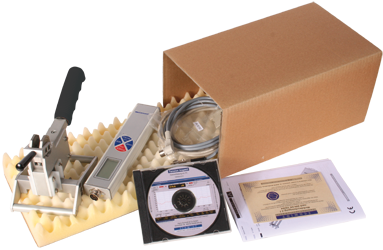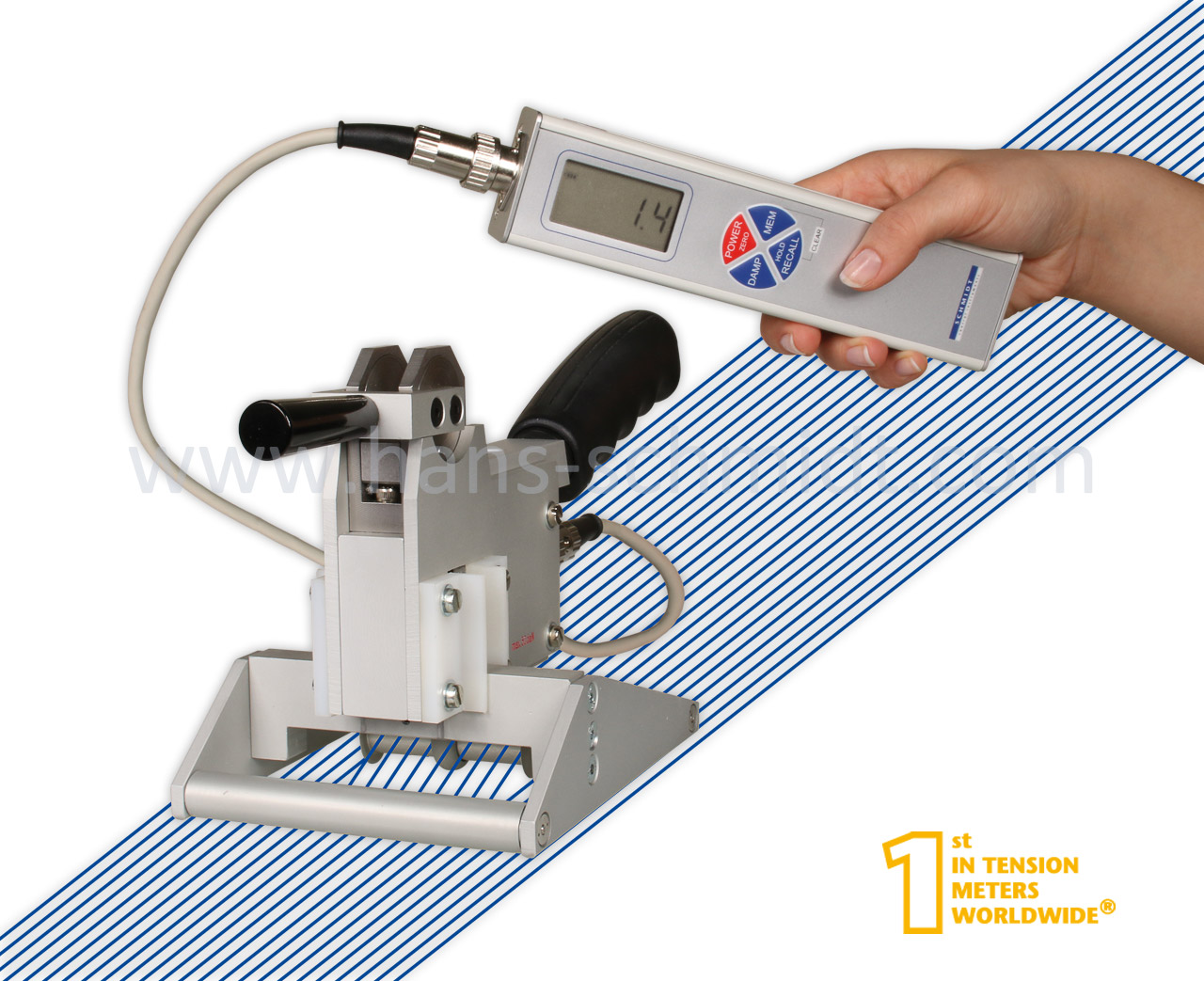

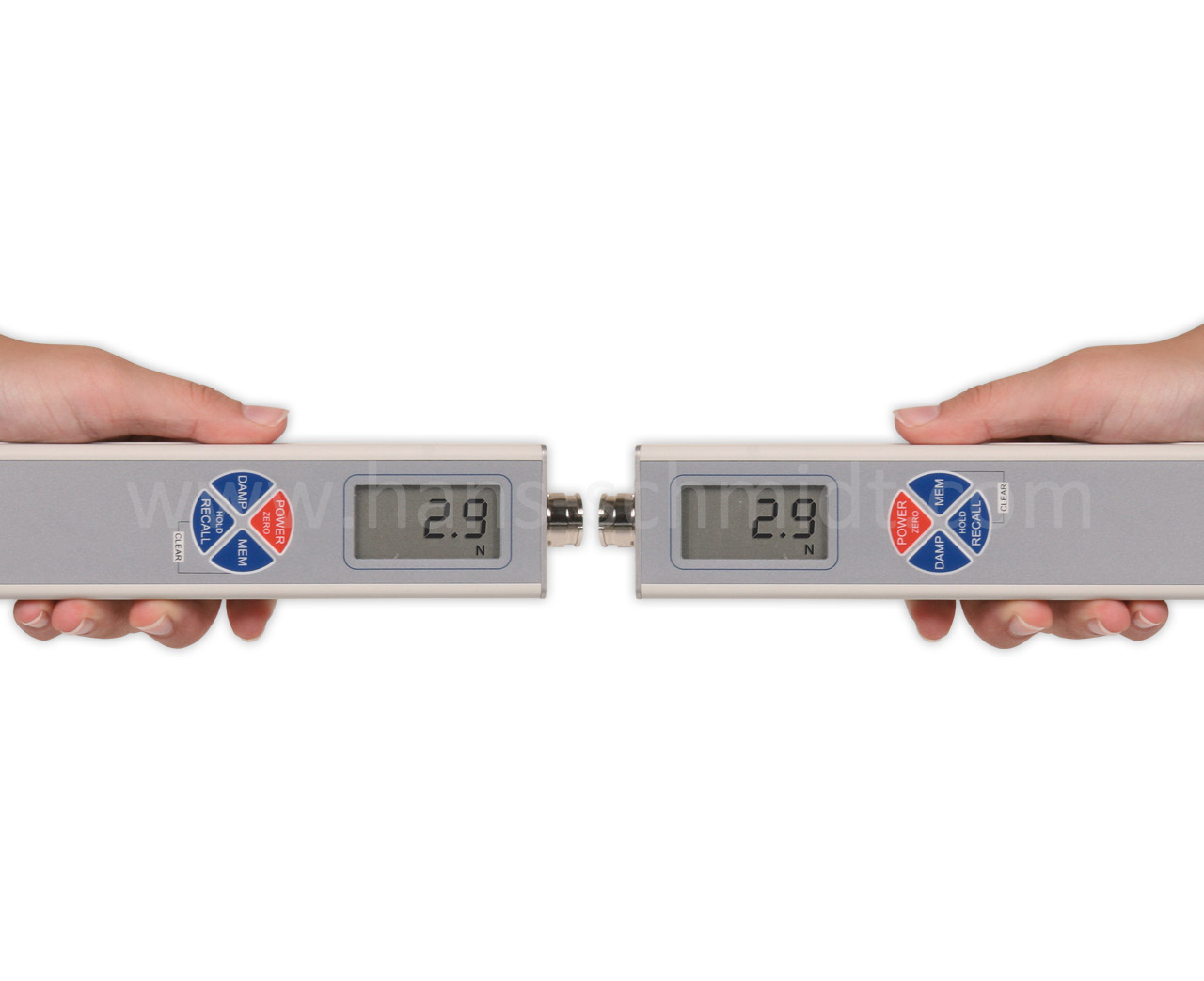



The portable Tension meter KXE is made of a sensor and indicator
The sensor can easily be engaged or disengaged also while the machine is running
The unique sensor configuration provided two 22 mm wide cylindrical roller for the capture of two groups of yarns, one on each side of the sensor for measurement. Therefore the sensor will be measuring 50 mm of ends while the process is running – see “Operation”
The display can be rotated by 180° for better reading
Storage of last, average, Max, MIN, PEAK tension values during an operator set measuring period. These values can be recalled in the display or downloaded to a PC
Adjustable electronic damping for better reading when tension is constantly, strongly fluctuating
The indicator can be connected to a PC using the USB interface to monitor readings constantly on a PC
Memory of max. 4000 displayed tension values split up to 255 series of measurements and statistics (Last, AVG, MIN and MAX of displayed values, MIN-Peak and MAX-Peak are values measured within a measuring frequency of 100 Hz). Stored data can be transferred to a PC and analyzed using the FREE Tension Inspect

4 different memory modes can be selected by the operator:
– Mode S: only statistical values per series are displayed
– Mode L: statistics plus 10 displayed values of each series of measurement
– Mode C: statistics plus 4000 displayed values arbitrary split up to 255 series
– Mode F: as C plus higher sampling rate of 100 Hz = values/s
– Mode S: only statistical values per series are displayed
– Mode L: statistics plus 10 displayed values of each series of measurement
– Mode C: statistics plus 4000 displayed values arbitrary split up to 255 series
– Mode F: as C plus higher sampling rate of 100 Hz = values/s
Powered by rechargeable Lithium Polymer battery (60 h battery life with 3.5 h charge time) with a universal voltage AC-charger

 Swivel the lever of tension meter KXE in direction to the handle to move the reference frame with the support rollers upwards. Hold the measuring head over the yarn group, so that it runs parallel to the measuring feeler and the support rollers. Shove the measuring roller through the yarn group, turn the measuring head by 90° and swivel the lever forward.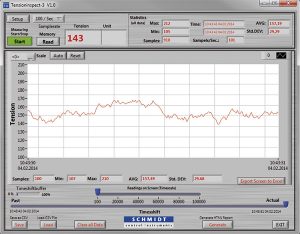
 USB AC adapter with 4 adapters (EU/USA/UK/AUS-NZ) for 100 – 240 V AC and USB cable for loading the accumulator and data transfer to a PC.